How to Manage Your Profile
Update your personal information, profile picture, and account details on app.eeina.com.
- Navigate to the Profile dashboard on app.eeina.com.
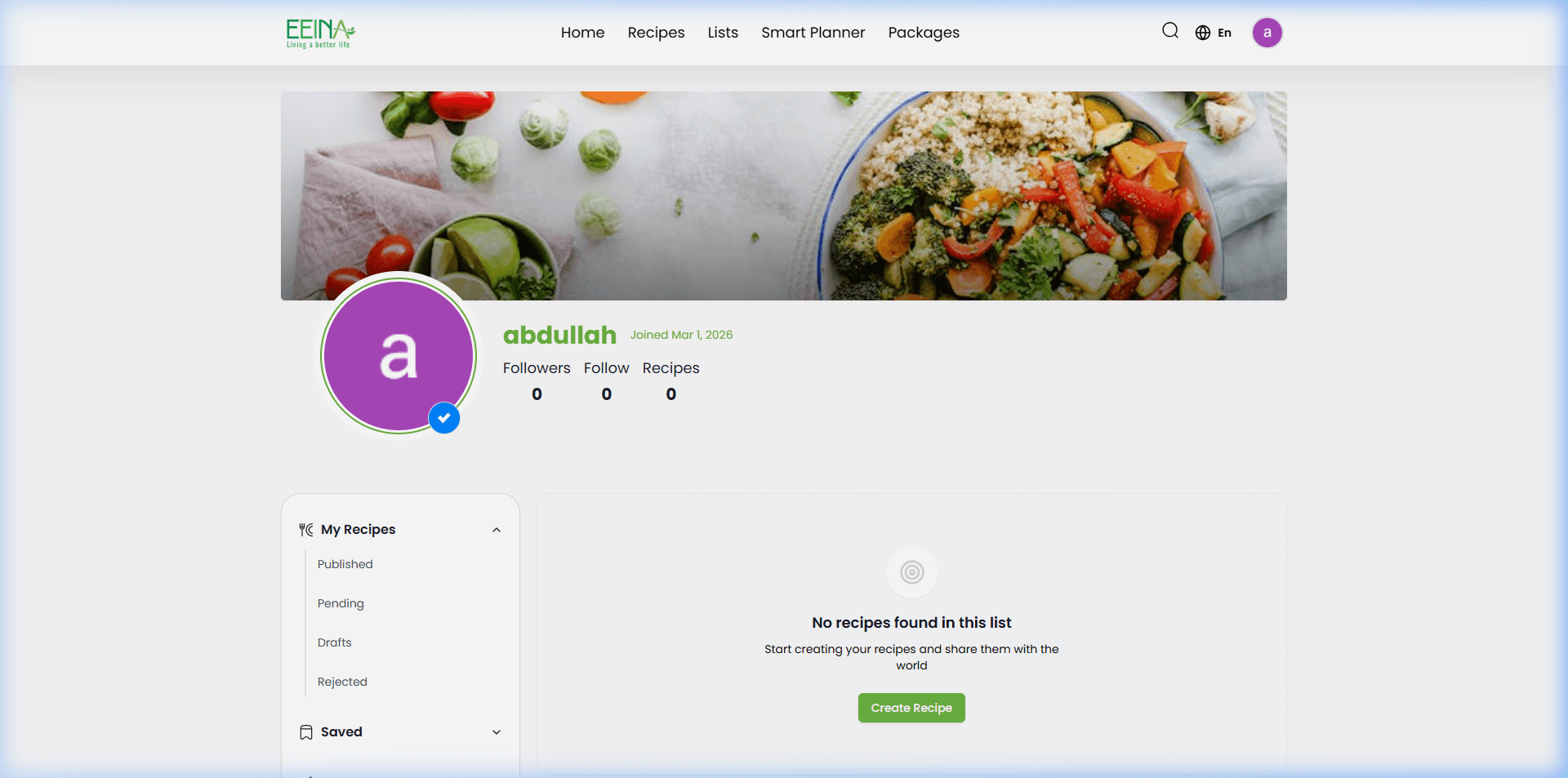
- In the left sidebar, locate and click on 'Edit Profile' (تعديل الملف).
- Update your name, bio, or other personal details in the provided fields.
- Click the 'Update' button to save your changes.